Code Highlighting#
Code blocks can be highlighted for increased readability.
Please note that there are multiple ways of highlighting code in a MkDocs site and some methods may conflict with each other.
PyMdown and Pygments#
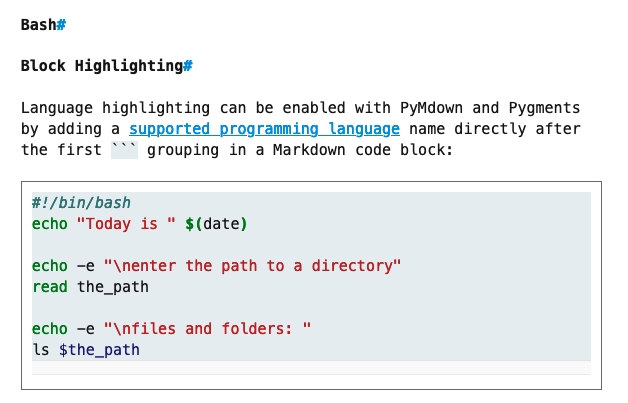
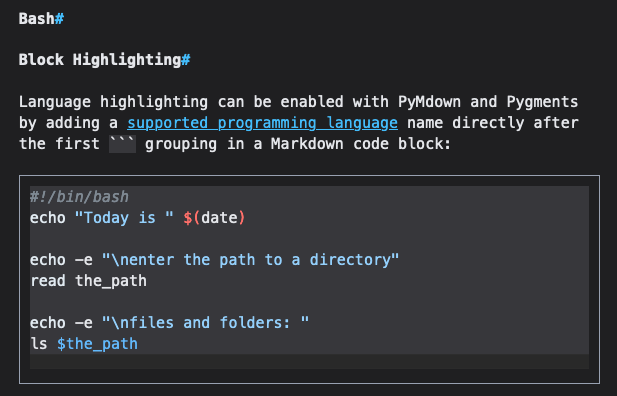
PyMdown Extensions and the Pygments library can be used to enable language-specific code hilighting in code blocks and in inline code. They work by adding highlighting to code as it is rendered to HTML during the MkDocs build process.
Configuration Instructions:
highlight.js#
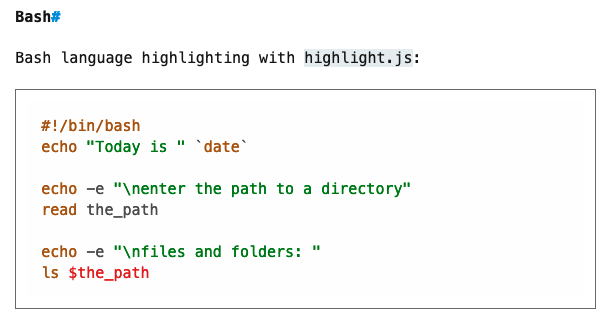
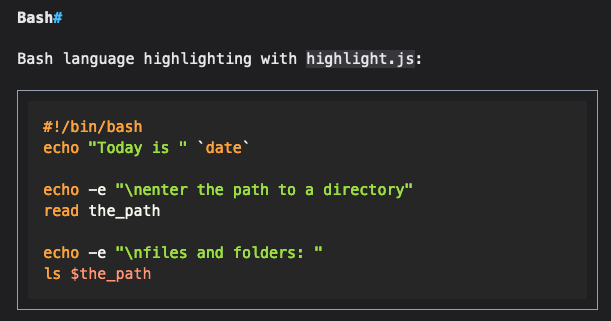
The highlight.js library can be used to enable language-specific code highlighting. This library works by applying code highlighting to a page after it is loaded in the user's web browser.
Configuration Instructions: