Theme Color Palettes#
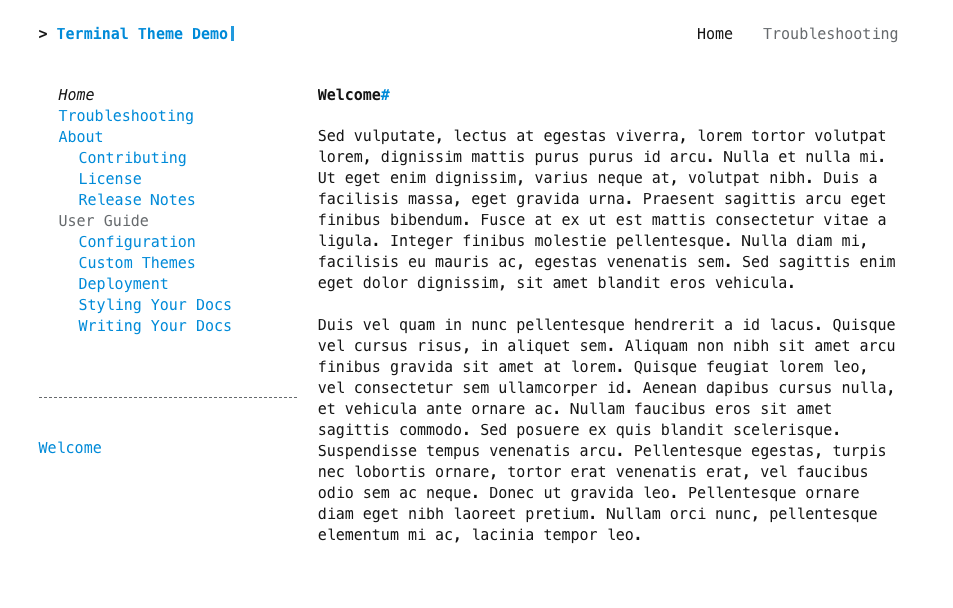
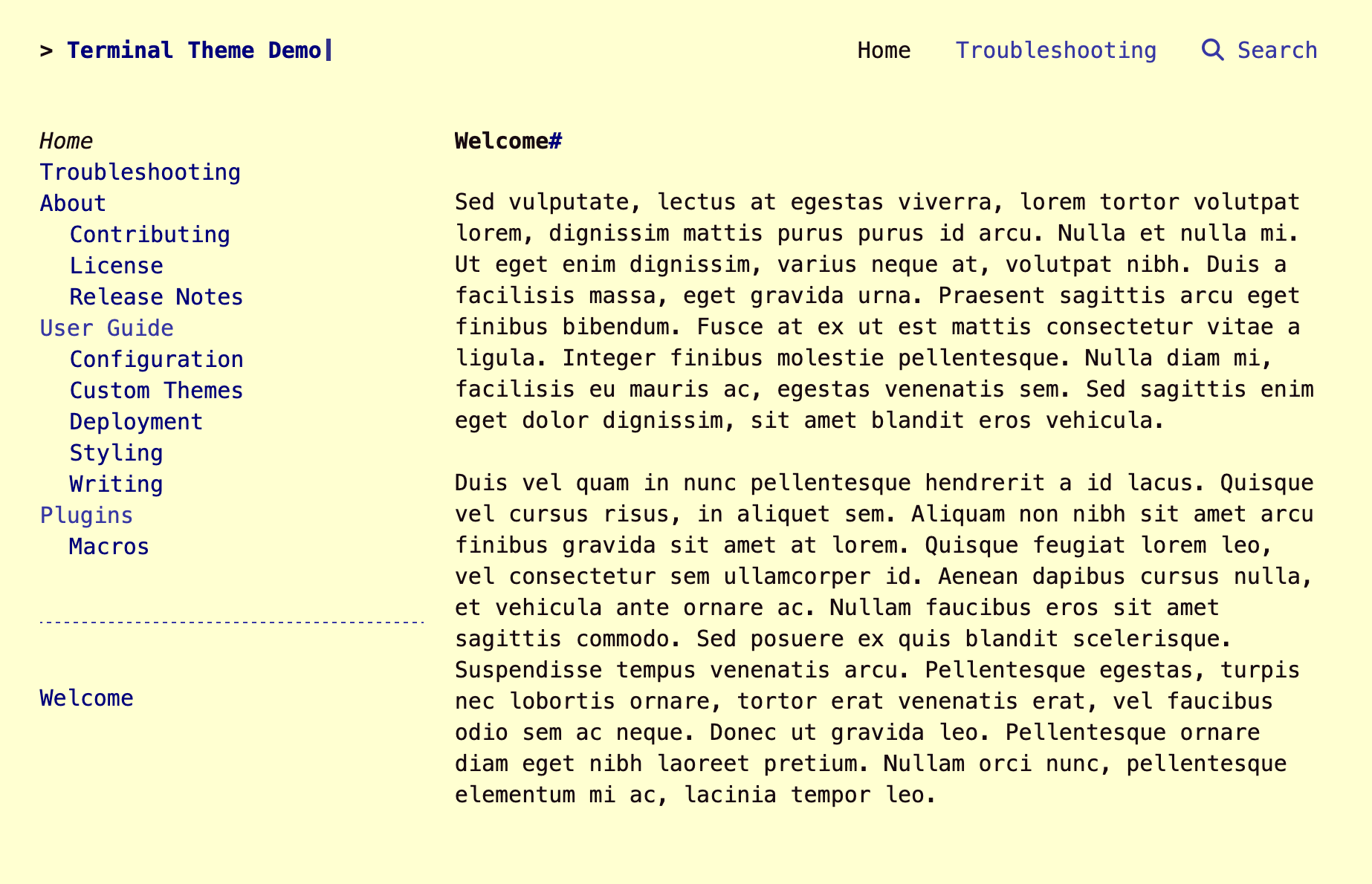
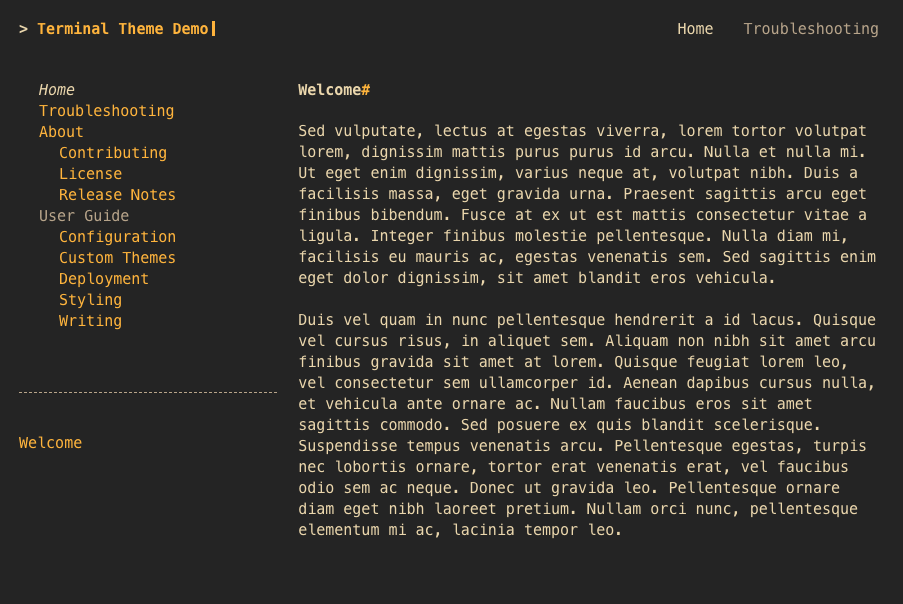
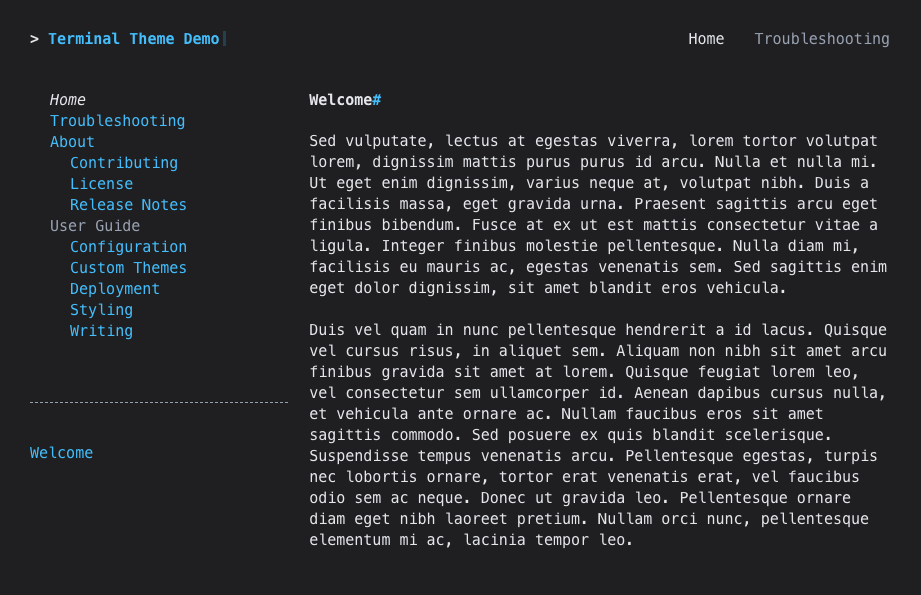
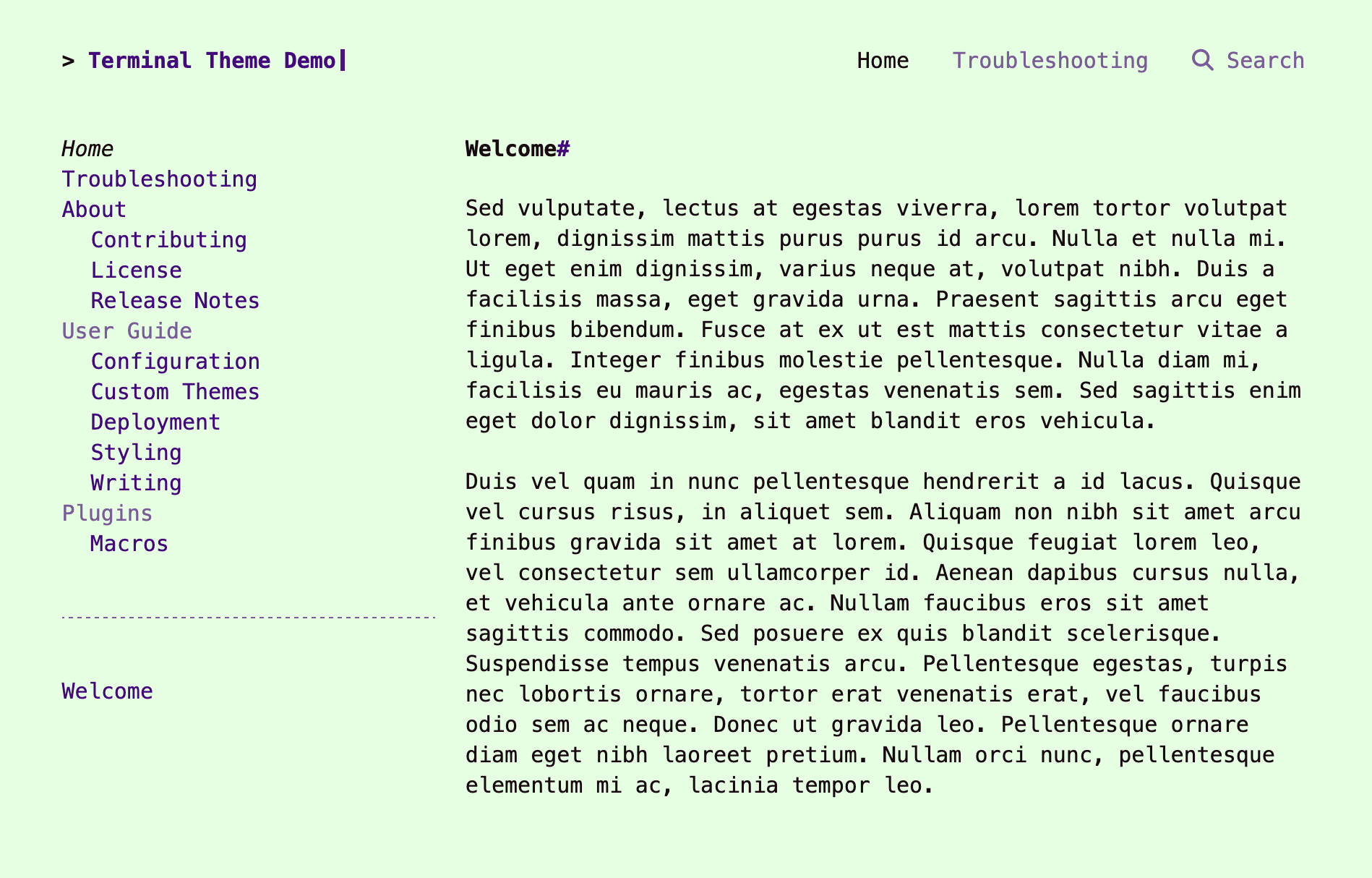
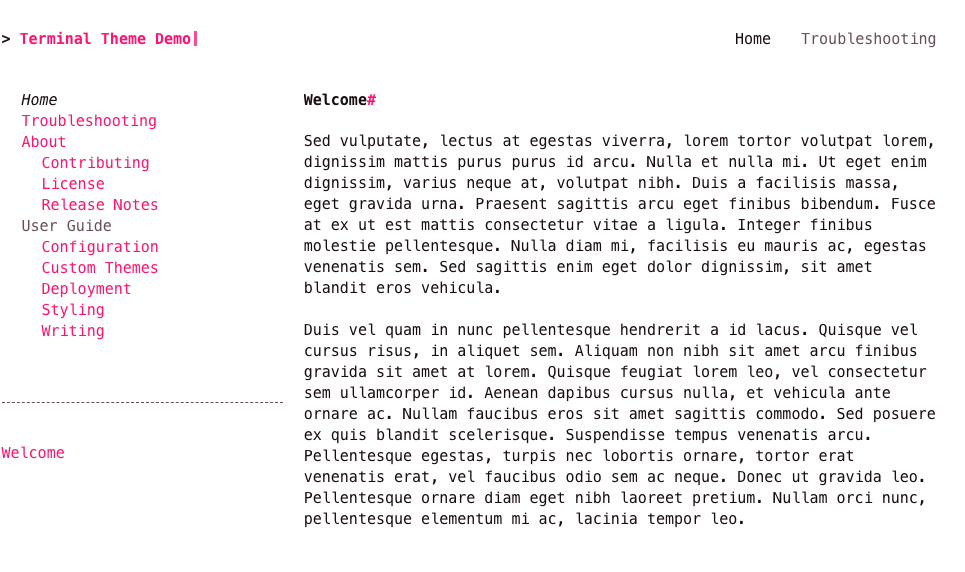
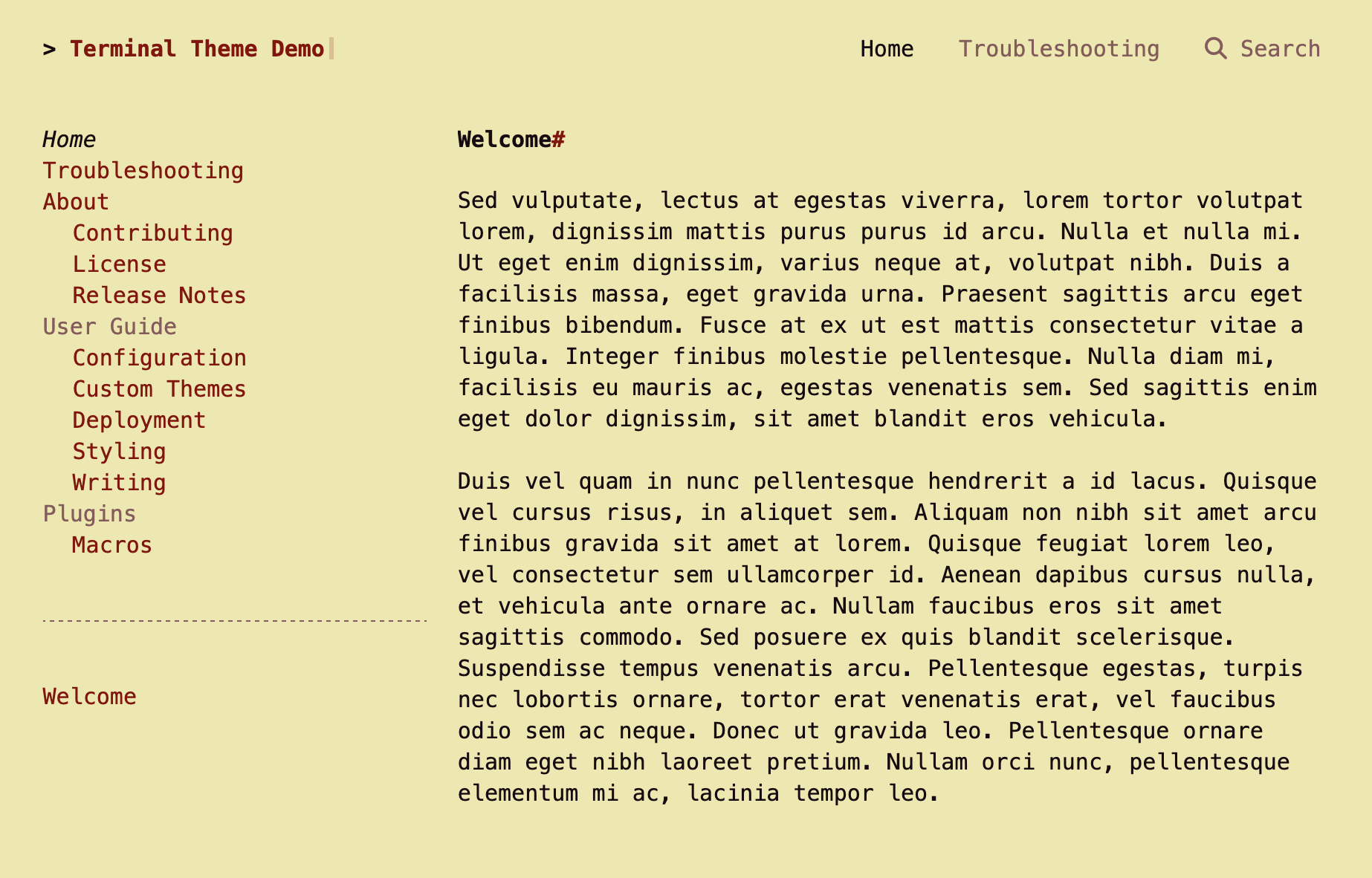
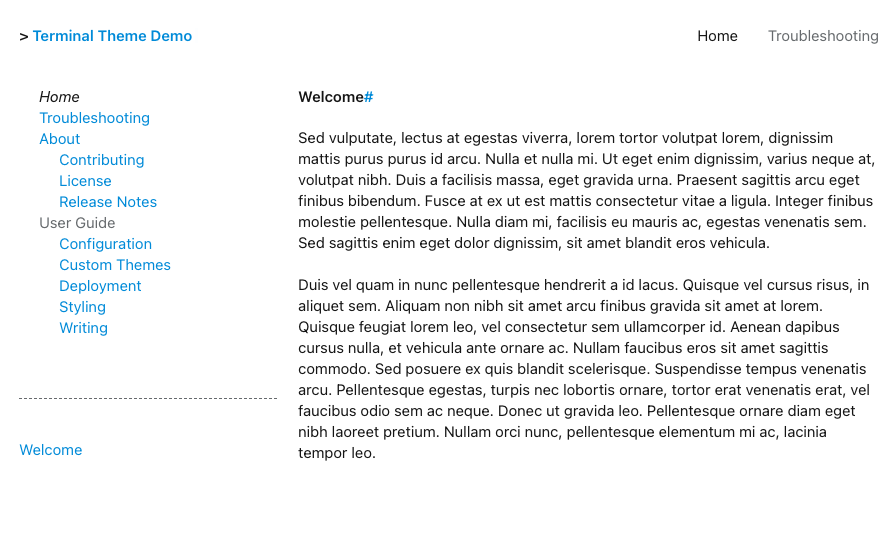
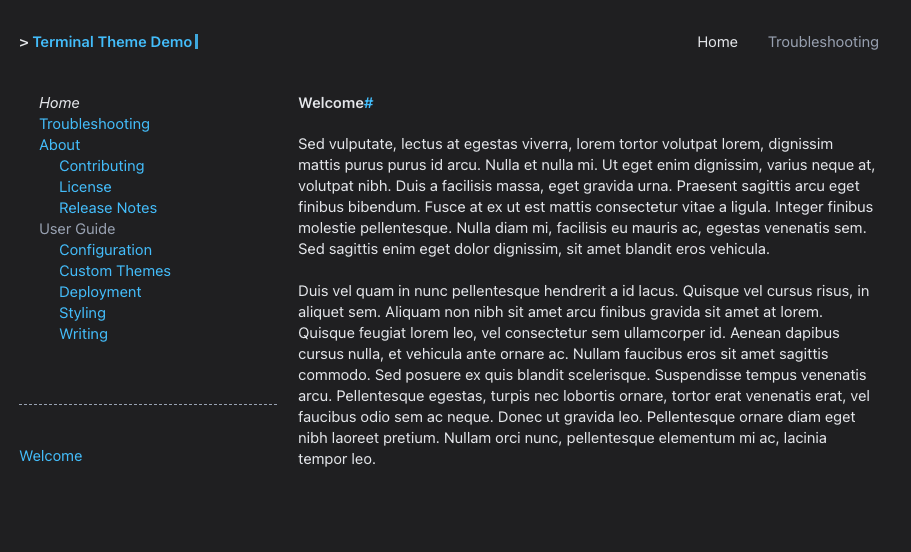
Terminal for MkDocs supports the following color palettes by default:
To change the color palette to one of the built in color palettes, add the palette attribute to your theme configuration in mkdocs.yml:
theme:
  name: terminal
  palette: pink
-
white background and light blue hyperlinks. ↩
-
cream background and navy blue hyperlinks ↩
-
dark grey background, orange hyperlinks, and light yellow text. ↩
-
black background, light blue hyperlinks, and white text. ↩
-
light green background and indigo hyperlinks ↩
-
white background and pink hyperlinks. ↩
-
beige background and brown hyperlinks. ↩
-
white background, light blue hyperlinks, and sans font. ↩
-
black background, light blue hyperlinks, and white text in sans font. ↩